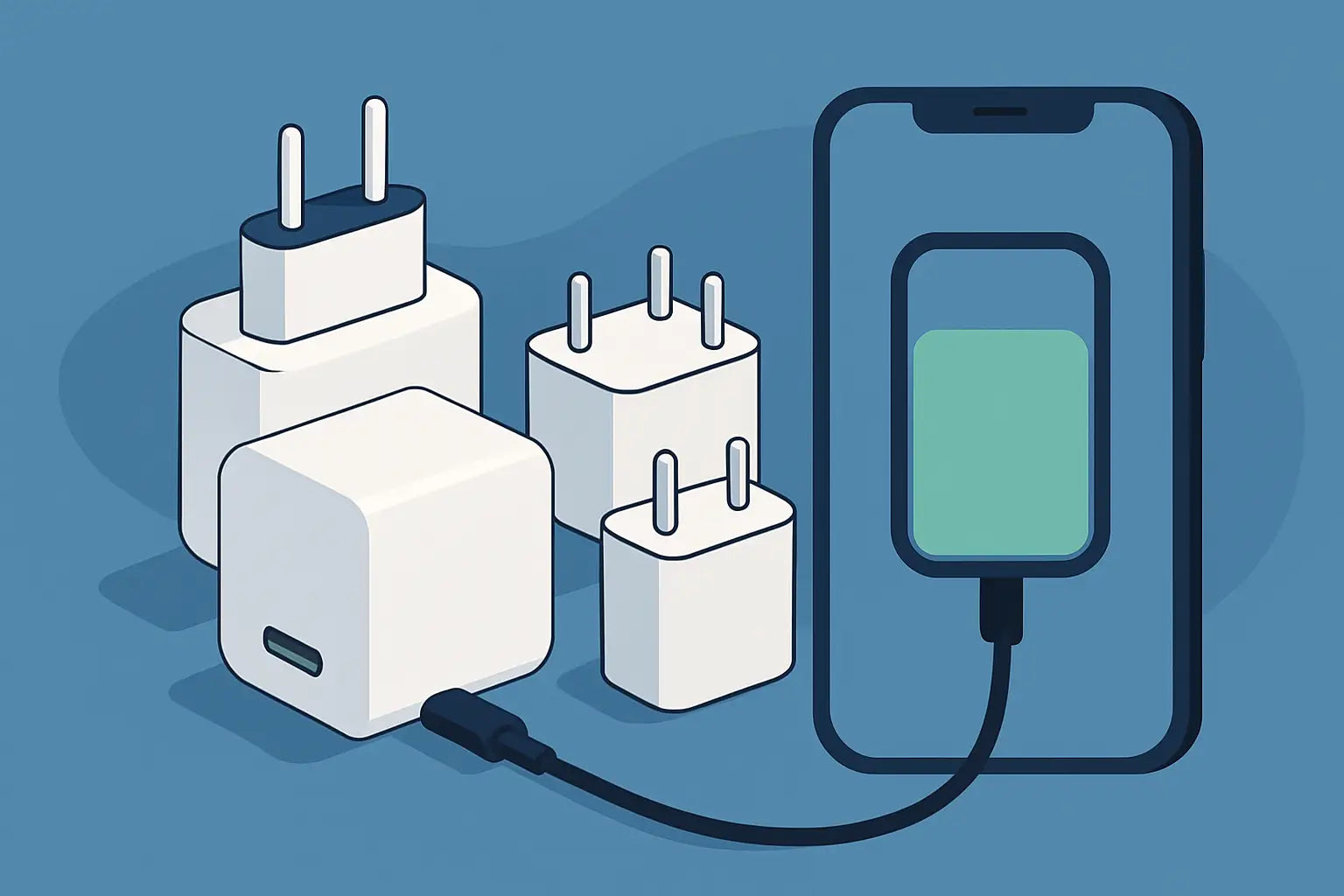

You've experienced it: you're at 12%, leaving the house in 20 minutes, and your charger is charging as if it's on… a break. That's exactly where "fast charging" comes in. The thing is, "fast" isn't a button you just press. It's a combination of the device, charger, cable, and protocol. If one of these doesn't match, you're paying for Watts you'll never see.
How to choose a fast charger without guesswork
The right choice starts with a simple truth: the charger doesn't just "push" power to the phone. The phone requests, the charger provides, and both must speak the same "language." This language is charging standards.If you want to play it safe and without technical stress, think of it as a 3-step check: (1) what your device supports, (2) how many Watts it realistically needs, (3) which port and cable unlock it.
Step 1: See what your phone supports (PD, PPS, proprietary)
For iPhones, the "safe" answer is USB Power Delivery (USB-C PD). Newer iPhones charge fast with PD, and practically, a good PD charger covers daily use without a second thought.For Samsung and several Androids, the game gets more interesting because there's also PPS (Programmable Power Supply). PPS is part of PD and helps achieve higher speeds on models that utilize it (e.g., "Super Fast Charging"). Without PPS, it might charge fast, but not at the maximum you expect.
There are also brands that have their own proprietary fast charging protocols. Usually, a PD/PPS charger covers you to a great extent, but in some cases, you won't "hit" the device's absolute max. This isn't a disaster - it's a trade-off between absolute performance and universal compatibility.
Step 2: Don't get stuck on Watts - choose based on your scenario
Watts are the first thing we all look at, but they don't tell the whole story. If your phone takes up to 25W, a 65W charger won't suddenly make it charge at 65W. It will charge up to what the device allows.What's worth deciding is your scenario:
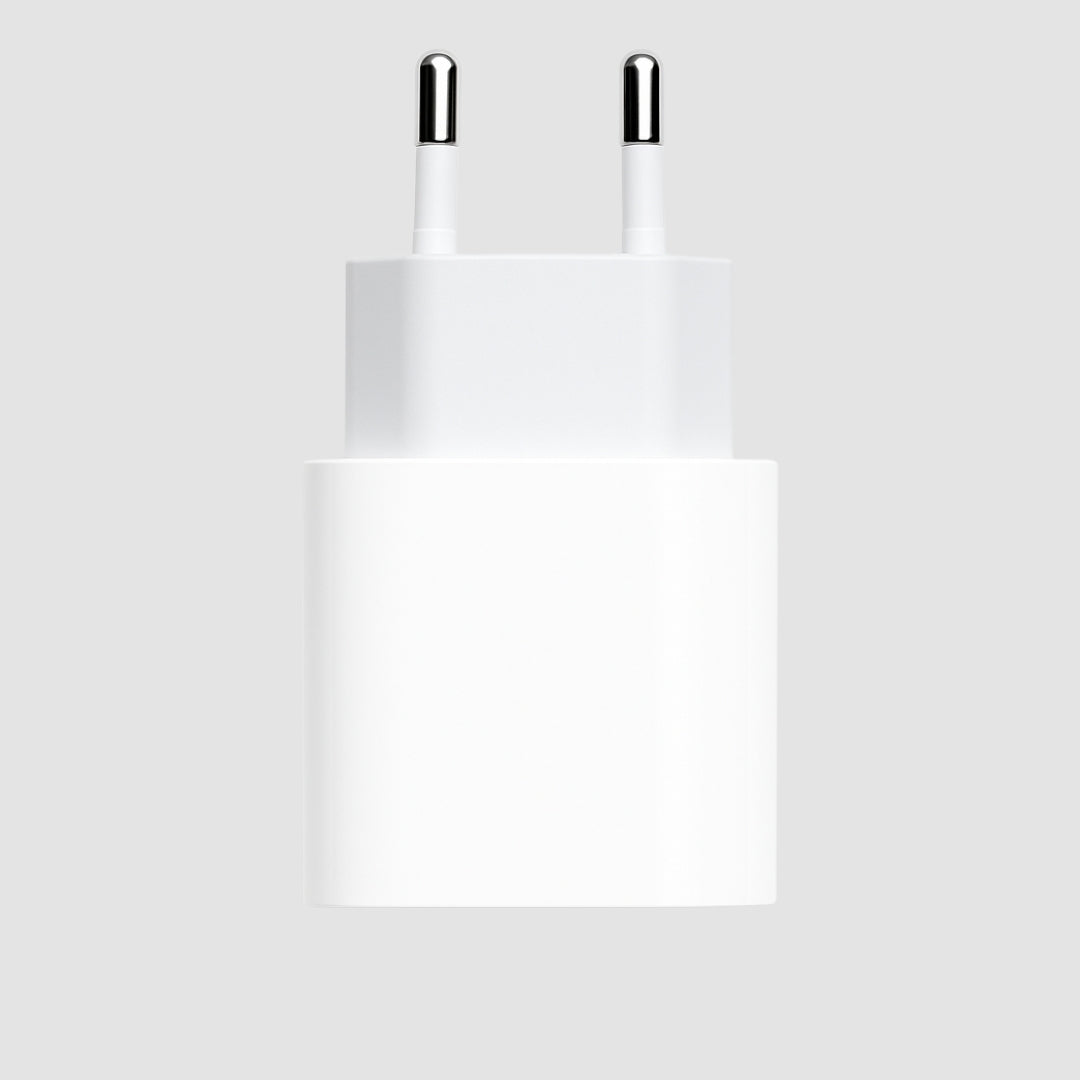
If you want a charger only for your phone, options around 20W-30W are usually the sweet spot for iPhones and many Androids. You get a fast "fill-up" in a short time without paying for power that will just sit there.
However, if you want a charger for your phone and tablet, or for two devices simultaneously, then 45W-65W makes more sense, especially when talking about chargers with 2 ports. There, the total Wattage is shared, and you don't want it to drop too much when charging simultaneously.
And something else that's not said enough: fast charging is usually more intense from 0% to about 50-60%. After that, the device reduces power to protect the battery. So, "I want to charge 0-100 in a flash" is not a realistic goal. The right goal is "I want enough % to leave within 15-30 minutes."
Step 3: The port matters - USB-C is the safe bet
If you're buying a fast charger today, a USB-C output is the most logical choice. That's where modern PD/PPS protocols "play," and that's where you have a greater chance of achieving the speeds your phone promises.USB-A ports aren't "bad," they're just more limited. You might find USB-A chargers that say "fast charge," but often we're talking about lower performance or older standards. If you want to make a purchase that lasts, go USB-C.
The cable is half of fast charging
This is where most mistakes happen. You get a powerful charger and keep an old cable from a drawer. The result? Slow charging, interruptions, or overheating.For iPhones, if you go PD, you need a USB-C to Lightning cable (for models with Lightning) or USB-C to USB-C (for models with USB-C). For Android, usually USB-C to USB-C.
Quality matters because fast charging involves more Watts and requires proper construction. And yes, there are cables that "charge," but don't properly support higher power. If you want to be safe, choose a cable that clearly states it supports fast charging and the Watts you're interested in.
PD or PPS? The most practical decision for Greece 2026
If you have an iPhone, PD is the choice you want. If you have a Samsung that says "Super Fast Charging," look for PD with PPS to get the best numbers.If you have various devices at home, a charger with PD and PPS is the most "one purchase, done." It's not always the cheapest, but it's the safest way to avoid ending up with a charger that won't fit your next phone tomorrow.
Single-port or dual-port charger? It's about sharing
A single-port charger is simpler: whatever Watts it has, it gives to one device. If you primarily charge your phone and want maximum speed, it's a clear choice.A dual (or multi-port) charger is for everyday life: phone and headphones, phone and smartwatch, or two phones on the same outlet. Just be careful with this: when two devices are charging, the power is usually shared. So, if you care about it being "fast" even when you're using both ports, go for a higher total Wattage.
What to expect from temperature and battery
Fast charging generates more heat, which is normal. Modern devices and good chargers have protections, but usage matters.If you're charging and simultaneously playing a game or using GPS with data, the phone is already stressed, and the temperature rises more easily. There, you might see charging slow down for protection. If you truly want "fast," leave it for 15-20 minutes without heavy use.
Also, don't constantly chase 100%. For many, the ideal is to have fast charging for emergencies and gentler charging when you're not in a hurry. You don't need to make it a science, just keep it as a habit.
The 3 most common mistakes when buying a charger
The first is to only look at Watts and not PD/PPS. A "30W" without the correct protocol might not give you the behavior you expect.The second is to ignore the cable. Especially with USB-C PD, the cable isn't just a simple "wire." It's part of the agreement between the charger and the device.
The third is to buy a multi-port charger with low total Wattage and then wonder why everything drops when you plug in a second device.
Small cheat sheet for quick selection
If you're wondering "how do I choose a fast charger" and want a quick decision without opening 10 tabs, keep this in mind: for iPhone, prefer USB-C PD, for Samsung/Android that supports "Super Fast Charging" look for PD with PPS, and for a set of multiple devices, choose higher total Wattage and a reliable USB-C cable.If you want to make it even easier to buy, choose based on your device and where you'll use it - home, office, bag, or car. That determines whether a small compact charger or one with 2 ports for everything suits you.
If you're looking for charging solutions with fast shipping and clear device selection, you can also find them at https://Phonebazaar.gr, especially if you want to combine a charger and cable without a second thought.
Close the matter smartly: choose a charger that fits your device today, but also your habits tomorrow - because the best "fast charging" is the one you never have to think about.